Example of integrating a store with accounting
8 min read
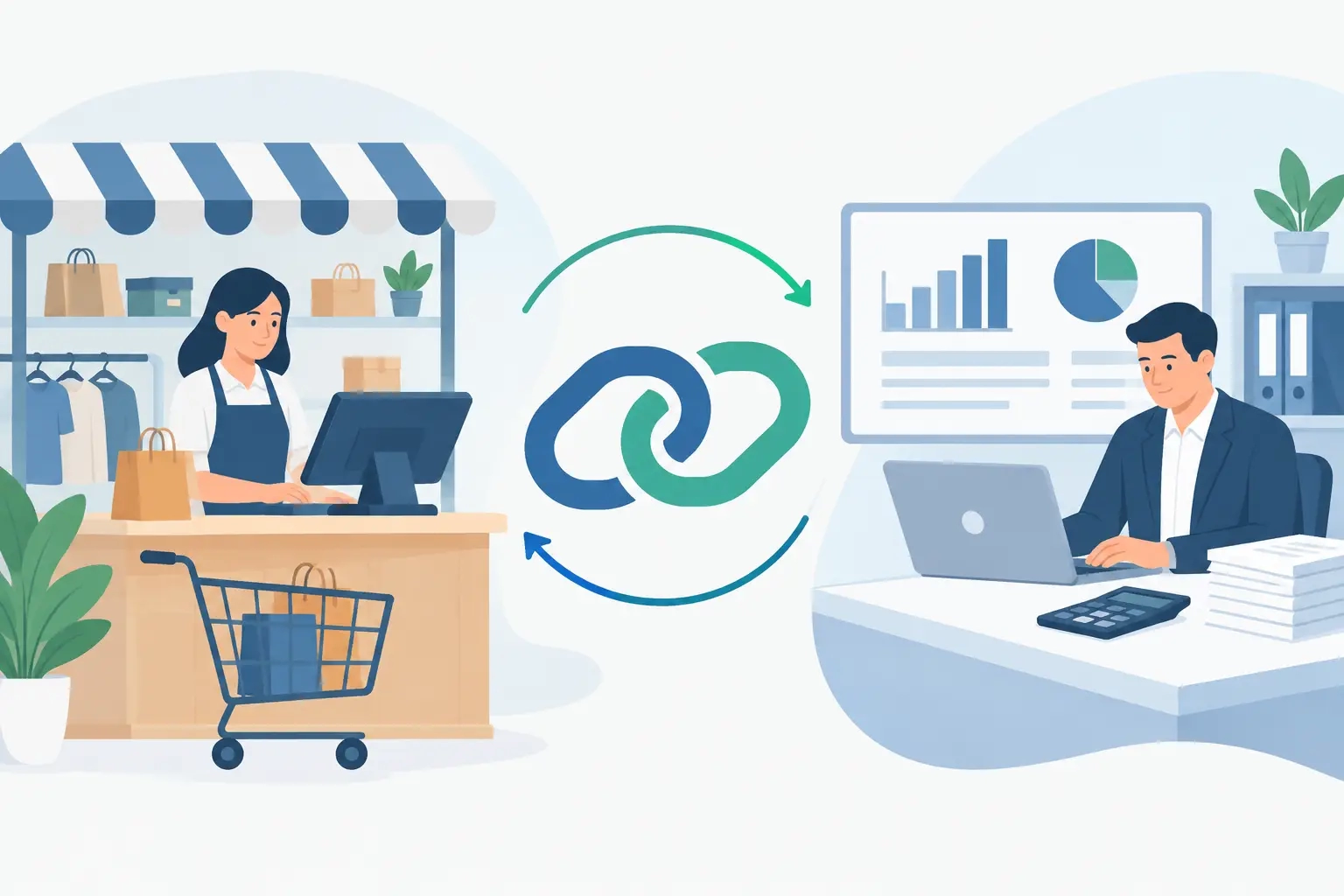
When an online store receives orders every day, and accounting retypes the data into a separate program, mistakes don't happen because someone is doing a bad job. They happen because the process was designed to be manual. A good example of connecting a store to accounting shows how an order, a payment, an invoice, and stock can flow through a business without double entry and without reconciling everything at the end of the month.
Imagine a specialized retailer selling products through an online store to both end consumers and business customers. It has several hundred items, different tax treatments, warehouse stock, and accounting software where invoices, credit notes, and revenue records are generated. As long as there are only a few orders a day, manual work is still manageable. Once sales grow, though, the same routine starts eating up hours and creating risk: a wrong amount, a duplicate customer, incorrect VAT, or a product still showing as available online when it's actually out of stock.
A connection like this isn't just a technical add-on. It's part of the sales process, and it needs to align with how the business actually operates.
What an example store-to-accounting connection looks like
A customer in the online store picks a product, enters delivery details, and pays by card or via pro forma invoice. The store immediately creates an order. With a well-designed connection, the key data transfers into the accounting system: customer details, products, quantities, discounts, delivery costs, tax rate, payment method, and the order's total value.
The accounting software then generates an invoice from this data, following the business's own rules. If the system supports it, the invoice number gets sent back to the online store, and the customer receives the document by email or sees it in their account. At the same time, stock is reduced accordingly. The sales team isn't hunting for orders in their inbox, accounting isn't retyping line items, and the warehouse is working with current data.
An important detail: a connection like this doesn't necessarily mean an invoice gets issued the instant a customer submits an order. For some businesses, it makes more sense to generate the invoice only once the order is confirmed, shipped, or paid. Pro forma payment follows a different process than instant card payment. The right solution follows the business's internal process, not the other way around.
A real-world example: a store with both B2B and B2C sales
Say a store sells technical equipment to both individuals and businesses. Business customers have negotiated prices, can pay against a quote, and have special delivery terms. End consumers pay immediately, while businesses can order with a purchase order.
When an individual places an order, the paid order transfers to accounting and an invoice is generated. When a business places an order, a quote or pro forma invoice might be created first. Once the business pays, or a salesperson confirms the purchase order, the document converts into an invoice. If a customer returns part of an order, the connection creates the basis for a credit note, and the returned product's stock is reconciled according to the warehouse's rules.
This is the essence of a good integration: it doesn't just transfer data — it accounts for the business statuses and exceptions that are a normal part of how the business runs.
Which data needs to be synced
The most common mistake is requiring that "everything" be connected. That's expensive, confusing, and often unnecessary. You first need to define which data is actually essential for sales, accounting, and the warehouse.
Typically, that's products with codes, prices, tax rates, and stock levels; customers with address and tax details; orders with every line item; and invoices, credit notes, and payment statuses. If a business uses multiple warehouses, serial numbers, product bundles, or multiple currencies, the connection needs to account for these specifics too.
Discounts deserve particular attention. A discount on the whole cart, a coupon, free shipping, and a contracted B2B price can all be handled differently in accounting software. If this isn't defined up front, the order total and the invoice total might match while sales analytics don't. For an integration, it's not enough to check that the data transfers. You need to check that it carries the same business meaning once it does.
Real-time connection or periodic transfer
Not every store depends on a real-time transfer. If a business has few orders and stock isn't critical, an automatic transfer every 15 or 30 minutes can be enough. A setup like this is often simpler to oversee and less sensitive to brief outages in external systems.
For fast-selling products, limited stock, or sales across multiple channels, though, real time is a major advantage. Stock updates immediately after a sale, reducing the chance of two customers buying the last unit at once. A business also selling through a physical store, a B2B portal, or online marketplaces needs a clear answer to the question of which system is the source of truth for stock data.
Sometimes that's the accounting or ERP system, other times the online store, and for larger operations, a separate warehouse system. If this isn't defined, two systems can end up correcting the same data at once. The result is discrepancies the team only notices once a customer gets a notification saying the product can't be delivered.
What needs to be agreed on before development
The quality of a connection doesn't start with code — it starts with a clear process. Before implementation, it's worth reviewing together the order's journey from submission through invoicing, shipping, and any returns. This quickly surfaces decisions that generic platforms often don't handle well enough.
You need to agree on when a customer is created in the accounting system, how guest purchases are handled, what happens with a failed payment, and how partial deliveries are recorded. It also matters who gets alerted if a transfer fails. An automated process with no oversight isn't a reliable process.
It's also worth checking the accounting software's capabilities. Some systems have a well-built API and allow direct communication. Others support importing and exporting files. Even that latter option can make sense, but it requires a precise data structure, a transfer schedule, and a clear process for handling errors.
Four mistakes that drive up the cost of an integration
- Connecting without aligned product codes. If the online store and accounting software use different codes for the same product, the transfer quickly gets tangled or miscategorized.
- Unclear rules for invoices and credit notes. A product return, an order cancellation, and a partial delivery aren't the same thing. Each case needs the correct documentation.
- Ignoring exceptions. A wrong address, a missing tax ID, or a declined payment aren't rare events — they're a normal part of online sales.
- No test scenarios. An integration isn't ready just because it successfully transferred one order. You need to test discounts, multiple tax rates, delivery, returns, business customers, and failed transfers.
A custom solution has the advantage where the process is unusual
A plugin can be a good choice when a business follows a standard process and its accounting software is already supported. The problem arises when a store needs different pricing rules, multiple document-issuing methods, a warehouse connection, or its own order-approval logic. At that point, compromises quickly turn into permanent manual work.
A custom connection lets data transfer exactly the way your business needs it to. That doesn't mean building everything from scratch every time. It does mean the architecture, admin interface, and integrations are designed around actual needs, not the limitations of a pre-built solution. On Moxy Web projects, this is a key starting point: an online store needs to look good, but above all, it needs to reliably support the business running behind it.
Launch isn't the last step
Before going live, the connection needs to be tested against real-world cases. Have the team submit a test card order, a pro forma order, a B2B order with a discount, a multi-item order, and a return. Then check what happened in the store, the accounting software, the warehouse, and email notifications.
After launch, it's worth monitoring transfers for the first few days and comparing a sample of orders against the documents issued. Once the process works, it's also worth documenting it. A new team member needs to know where to check a transfer's status and what to do if an order gets stuck.
The best connection between a store and accounting isn't the one with the most features. It's the one where sales flow quickly, accounting trusts the data, customers get the correct documents on time, and the team can spend its time growing the business instead of fixing data.