Example of a B2B sales portal redesign
7 min read
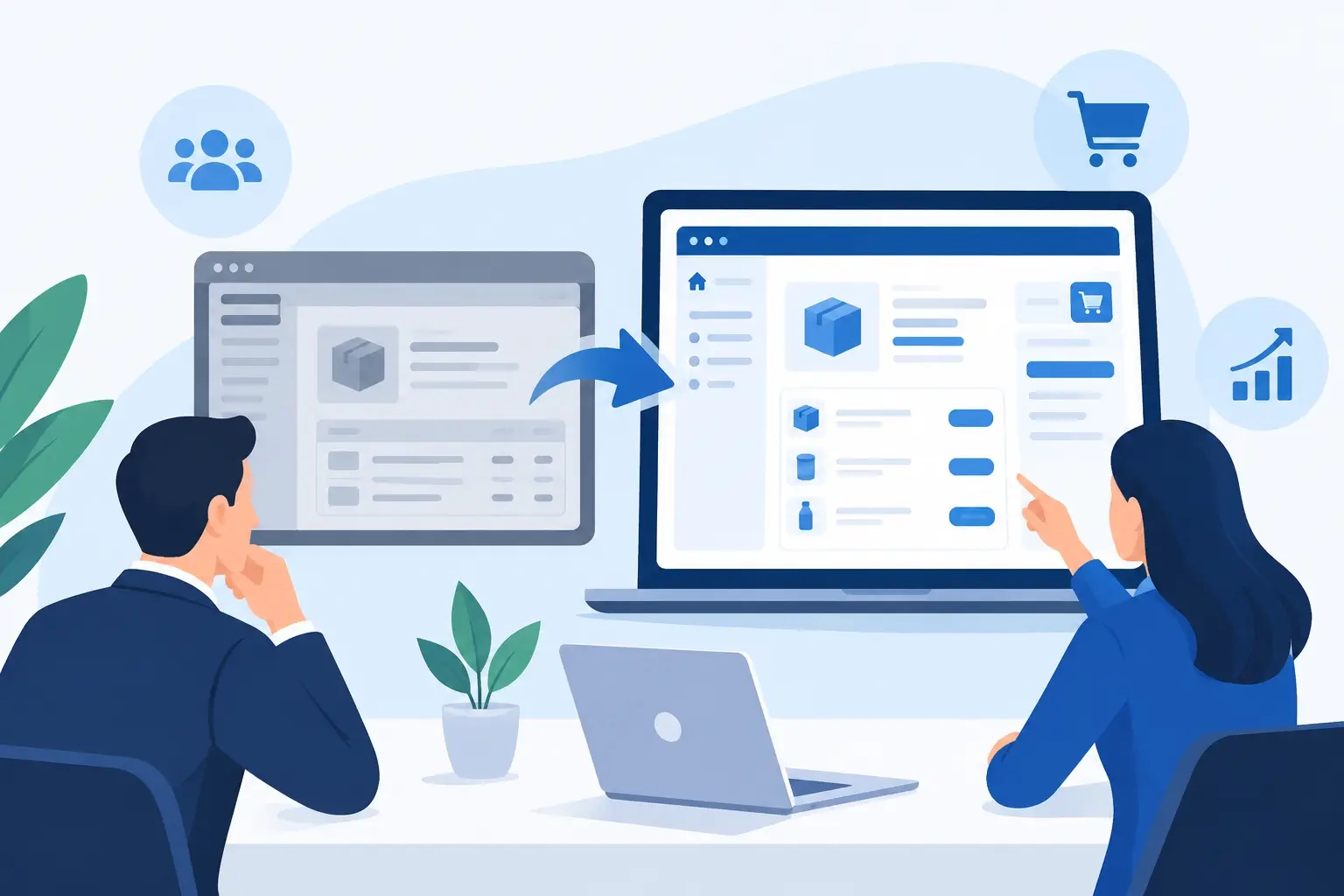
A salesperson calls support because a customer can't see their contracted price. Meanwhile, the warehouse is checking stock in a separate system, and the order arrives by email with no clear link to past purchases. A case like this, redesigning a B2B sales portal, isn't a design problem — it's a business process problem. The portal needs to let customers order independently and quickly, while removing manual work, errors, and unnecessary data-checking from the team.
A B2B portal isn't a classic online store with a nicer login form. It's part of a business's sales infrastructure. If it doesn't know contracted prices, doesn't show real stock levels, doesn't support purchasing processes, and doesn't talk to existing systems, it will create extra work for employees instead of saving time.
The starting point: a portal that operated around the user
Picture a distributor of technical materials with several hundred business customers. The existing portal allowed login, browsing a basic catalog, and placing orders. On paper, it had all the key features. In practice, though, customers were still sending purchase orders by email or calling sales reps.
The reason wasn't resistance to digital channels. Customers couldn't see their own prices in the portal, couldn't check whether a product was actually in stock, and couldn't quickly find the items they order regularly. Search returned useless results, product data was inconsistent, and the ordering process required too many steps. The portal existed, but it didn't make work easier.
A situation like this is often the result of piecemeal development. First the catalog gets added, then login, then an ERP connection, and finally special pricing rules. Without a unified design, you end up with a solution that tries to satisfy everyone but doesn't do any single task really well.
What analysis needs to reveal before a redesign
A redesign shouldn't start with choosing a color palette or a UI template. It needs to start with questions about where bottlenecks happen today and what data users actually need to make a purchase.
On a project like this, it's worth reviewing three aspects: the customer's journey, the internal team's work, and the flow of data between systems. A customer needs to quickly find the right item, see the terms that apply to them, and place an order without needing extra back-and-forth. A salesperson needs visibility into orders and the ability to help, not the role of a manual data-entry clerk. And data needs to arrive reliably and with enough freshness from back-end systems.
Different customer types deserve particular attention. A large partner might order under negotiated discounts, a smaller customer off a standard price list, while a third needs order approval before submission. If a portal treats everyone the same, it will simplify things for some customers and complicate them for others. That's why a custom-built solution isn't a luxury — it's a way for the digital channel to follow the actual business model.
Data isn't a technical footnote
In B2B sales, data quality directly affects trust. Incorrect stock, an outdated price, or an unclear delivery time quickly sends a customer back to the phone. A nice interface doesn't fix that.
Before development, you need to define which system is the source of truth for each piece of data. An ERP can be the source for prices, stock, and customers; a PIM system the source for descriptions and technical specs; and the portal the place where this data is meaningfully displayed and turned into an action for the user. Clear data ownership prevents duplicate entries and reconciliation headaches down the line.
A real-world example of redesigning a B2B sales portal
In a redesign like this, the catalog structure would be sorted out first. Instead of a long list of products, customers would find clear categories, technical filters, and a search function that understands product codes, names, and common labels. For technical products, this matters more than promotional banners. A buyer is often not looking for inspiration — they want a specific part, a compatible version, or a quick replacement for something they've already bought.
The next step would be personalized data display after login. A customer sees their own negotiated prices, availability, estimated delivery time, open orders, and purchase history. This turns the portal from a general catalog into a genuinely useful working environment. A reorder feature is often worth more in a case like this than complex marketing modules, since it cuts down time on routine purchasing.
Ordering would also need to support customers' real habits. Some order individual items, others enter multiple codes at once, and a third group imports a list from a spreadsheet. A good portal doesn't force a customer to change their established process just because it's easier to build the system that way. But there's a limit here too: it makes sense to support processes used by a large enough share of customers, or that have a clear business impact. Not every exception justifies a dedicated feature.
An important part of a redesign is the business user account. Multiple users within the same customer organization might need different permissions: one builds the cart, another confirms it, and a third tracks invoices and deliveries. For a business selling to larger organizations, approval flows like this are often decisive. For one selling to small tradespeople, they could be an unnecessary obstacle. The right solution depends on how you sell, not on a list of competitor features.
Integrations that need to keep working after launch
An ERP connection is often the core of a project, but it's not enough for data to successfully travel between two applications once. You need to define the sync frequency, how errors are handled, and who's responsible when data is missing or doesn't match.
Frequent refreshes can be right for stock, sync on login or cart submission for price lists, and less frequent transfers for technical descriptions. This depends on the number of items, how fast data changes, and the capacity of back-end systems. Real-time transfer sounds appealing, but it's not always necessary or cost-effective. If stock data isn't critical minute to minute, a thoughtfully chosen interval can provide more stable performance and lower costs.
The same goes for connections to logistics, accounting, a CRM, or document management systems. Good architecture doesn't mean the largest possible number of integrations. It means the connected systems remove concrete manual tasks and give customers accurate information.
Security and management aren't an afterthought
A B2B portal often holds price lists, discounts, documents, order history, and company data. That's why login, user permissions, logging of key activities, backups, and regular updates need to be built into the plan from the start.
The admin interface matters just as much. The team needs to be able to manage featured content, basic category data, notifications, and user permissions within agreed-upon rules, without needing a developer. At the same time, an overly open admin access level isn't an advantage. Prices, stock, and other key business data should stay tied to the system responsible for them. That reduces the risk of inconsistency.
How to measure whether a redesign is working
A portal's success isn't judged on launch day. You need to track whether the share of orders placed through the portal is growing, how much time customers spend on repeat orders, how many calls are about prices or stock, and how much manual entry remains in the sales team.
It's also useful to watch incomplete carts, failed searches, and items where users frequently leave the page. These aren't just statistics. They're direct signals showing where the portal isn't answering a customer's question. If people repeatedly search for a term that returns no results, you might be missing a synonym, a filter, or an entire segment of your offer.
A redesign, then, isn't a one-time project — it's laying a better foundation. After launch, improvements follow based on actual usage, business changes, and customer feedback. At Moxy Web, we combine design, custom development, and long-term technical support on solutions like these, because without that, even a well-designed portal gradually loses its edge.
The best next step isn't deciding which feature to add first. Ask yourself which task your customers are still handling today by phone, email, or spreadsheet. If a portal can take that over safely and clearly, that's a feature with real business value.