Business website updates without costly surprises
7 min read
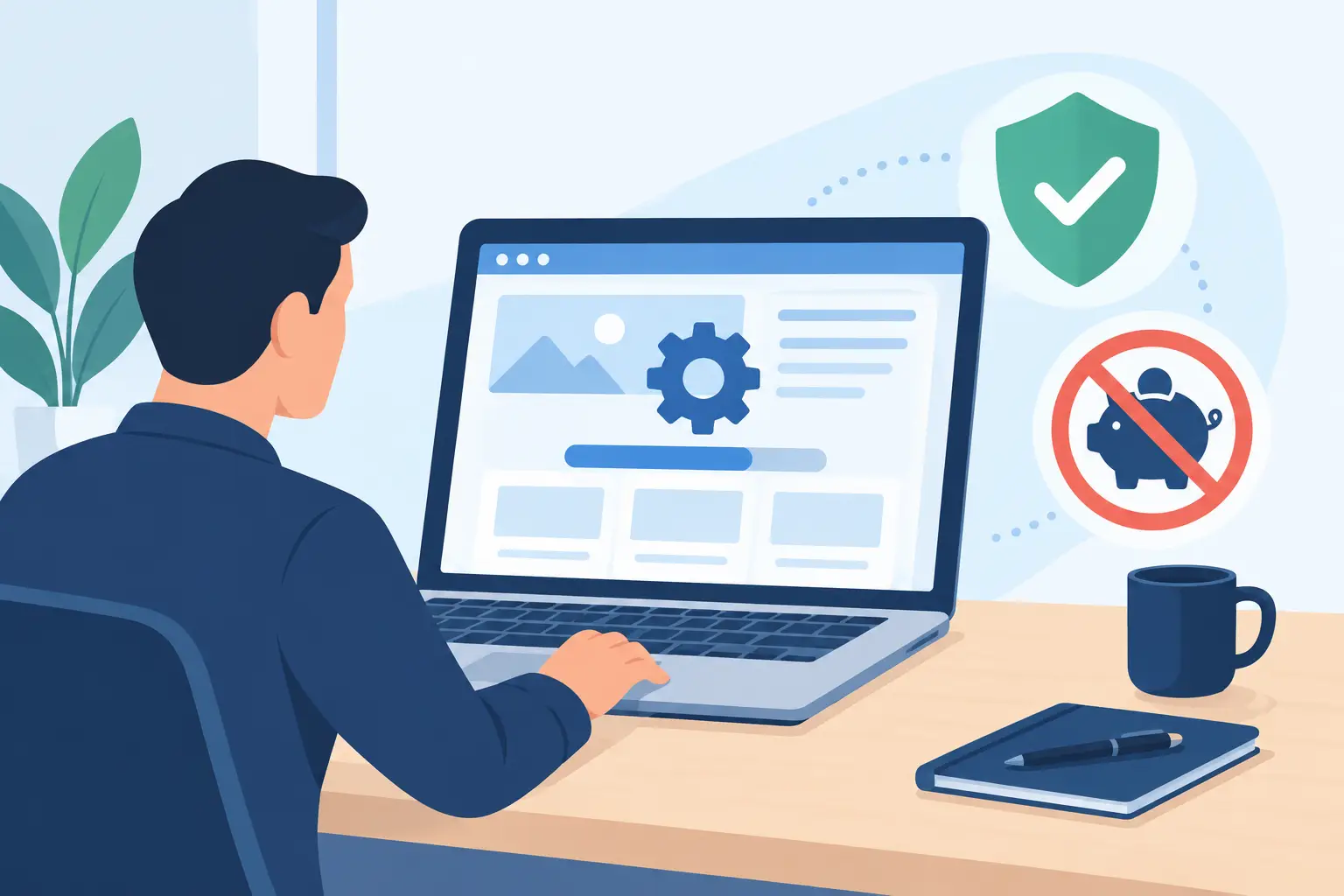
A website that was fast, secure, and visually compelling two years ago isn't necessarily still effective today. Business website updates aren't an administrative detail you handle once a problem shows up. They're ongoing work that protects your data, prevents outages, and keeps your website a reliable tool for generating inquiries, driving sales, and communicating with customers.
The most expensive updates are typically the ones a business postpones for too long. At that point, it's no longer about tweaking a single feature — it's about recovering from an attack, a broken store, an outdated payment-system connection, or lost data. Well-planned maintenance lets you avoid most of these complications.
Why business website updates aren't about appearance
When people hear "update," many think of a new banner, fresh photos, or a text fix. That matters too, but it's only the visible part of the work. Behind the scenes, a website runs on a server, code, a database, security certificates, forms, integrations, and an admin system. Every one of these components needs attention.
Software evolves, security vulnerabilities get discovered, browsers change their rules, and external providers update their interfaces. If an online store uses a delivery service, accounting software, or a payment gateway, for instance, a change on one partner's side can affect the entire order process. A customer won't see that as a technical inconvenience. They'll see that they can't submit their order.
The real question, then, isn't whether a website needs updates — it's how often and how thoughtfully to carry them out. The answer depends on how demanding the solution is. A simple presentational site needs a different rhythm than a store with daily orders, a login system, or a connection to business software.
What needs regular checking
Security updates and access
Security isn't a one-time setup at launch. The system's core, the modules in use, libraries, and the server environment all need regular updating. Login forms, user accounts, payments, and any solution handling personal data deserve particular attention.
Access management matters just as much. Businesses often keep user accounts active for former colleagues, agencies, or outside contractors. This creates unnecessary risk. Access should be granted individually, with appropriate permissions, and ideally with additional login verification. A shared password written down in an old email isn't an access-management system.
Backups you can actually restore
A backup only has value once it can actually be restored successfully. So it's not enough for a server to automatically generate copies somewhere. You need to know how often they're created, how long they're retained, whether they include the database too, and who can carry out a restore.
For an online store where orders change daily, a monthly backup isn't enough. For a less active presentational site, a different cadence may be appropriate. What matters is that the plan matches the business risk: how much data you can afford to lose, and how long the site can afford to be unreachable.
Speed, performance, and user experience
A slow website isn't just an aesthetic shortcoming. A visitor who waits too long for an offer, a form, or a cart often goes elsewhere. The causes of slowdown vary: oversized images, outdated code, an unoptimized database, poorly configured caching, or server changes.
A regular review also reveals less obvious issues. A form might send a message that the recipient never gets. The mobile display might stop adapting correctly after a browser update. A page might link to a product that's no longer in the catalog. Details like these directly affect trust in your business.
Content, offer, and legal information
A website is often the first point of contact with a prospective customer. Outdated testimonials, wrong prices, former team members, or stale contact details quickly create the impression that a business isn't responsive. For service businesses especially, it's worth regularly reviewing key sales pages, inquiry forms, service descriptions, and FAQs.
Also check your privacy policy, cookies, terms of business, and other information to make sure they match how you actually collect and process data. If you add an analytics tool, a newsletter, or online payments, your obligations on the site can change too.
How to plan updates without disrupting business
The best approach isn't waiting for something to break — it's a clear schedule. Minor content edits can happen monthly, a technical review quarterly, and a broader review of functionality and business goals annually. For an active online store, security reviews and performance monitoring are naturally more frequent.
It's also worth distinguishing between urgent fixes and development work. Security patches, broken forms, and payment issues need to be handled as a priority. Redesigning a presentational page, adding a new filter, or changing your offer's structure, on the other hand, is better planned as a standalone development task. This helps you avoid quick fixes that end up costing more later.
Before a major update, it's smart to set up a test environment. That's where changes get verified before they go live on the public site. This matters especially for custom-built solutions, where various integrations and business rules intertwine. Updating production without testing might be faster — right up until it breaks order submission.
A good provider doesn't just act as someone who presses the upgrade button. They review the impact of changes, prepare a backup, test key user paths, and clearly report what was done. At Moxy Web, this approach is part of long-term thinking: a web solution needs to stay useful well after launch, not just on the day the project is handed over.
When an update is no longer enough
Sometimes regular maintenance reveals that a system has hit its limit. If the admin panel requires too much manual work, if the site struggles to connect with accounting, stock, or logistics, or if mobile usability is poor, individual fixes won't solve the underlying problem.
The same applies when a business model changes. A business that used to collect inquiries might now need online sales, a product configurator, partner login, or automated data transfer. At that point, it's worth assessing whether to upgrade the existing solution or build a new one, better suited to the actual processes.
The decision isn't always black and white. A well-designed custom site can often be upgraded gradually. For an outdated, disorganized, or heavily limited platform, though, a redesign can be more rational in the long run than constant patching. The key is a realistic assessment of costs, risks, and opportunities, not the promise of the cheapest solution.
Signs you're postponing updates for too long
The warning signs are usually fairly clear. The site loads slowly, forms occasionally stop working, the team avoids the admin panel because it's confusing, or no one knows who has access to hosting and the domain. It's also a problem if every small change turns into days of back-and-forth with different providers.
It's especially risky for a business to lack visibility into the basics: where the site is hosted, when the domain expires, who receives security alerts, how backups are run, and which systems are connected to the site. This information shouldn't be hidden with one individual or scattered across old emails.
A website isn't a brochure you print once and shelve. It's part of your business, and deserves the same regular care as any other tool your customers, sales, and reputation depend on. Start with a review of where you stand, assign responsibility, and set a maintenance rhythm that matches the scale of your business. That way, changes stay planned, costs stay predictable, and your web presence stays ready for the next business opportunity.